How to forcefully evict unwanted apps on Android
22 Dec 2022
How to forcefully evict unwanted apps on Android
Many Android phones have a big problem with unwanted, pre-installed, non-removable bloatware. This bloat can sometimes be mostly harmless, and sometimes it’s the god-awful Facebook. Today I’ll show you how to remove such garbagefrom your Android device.
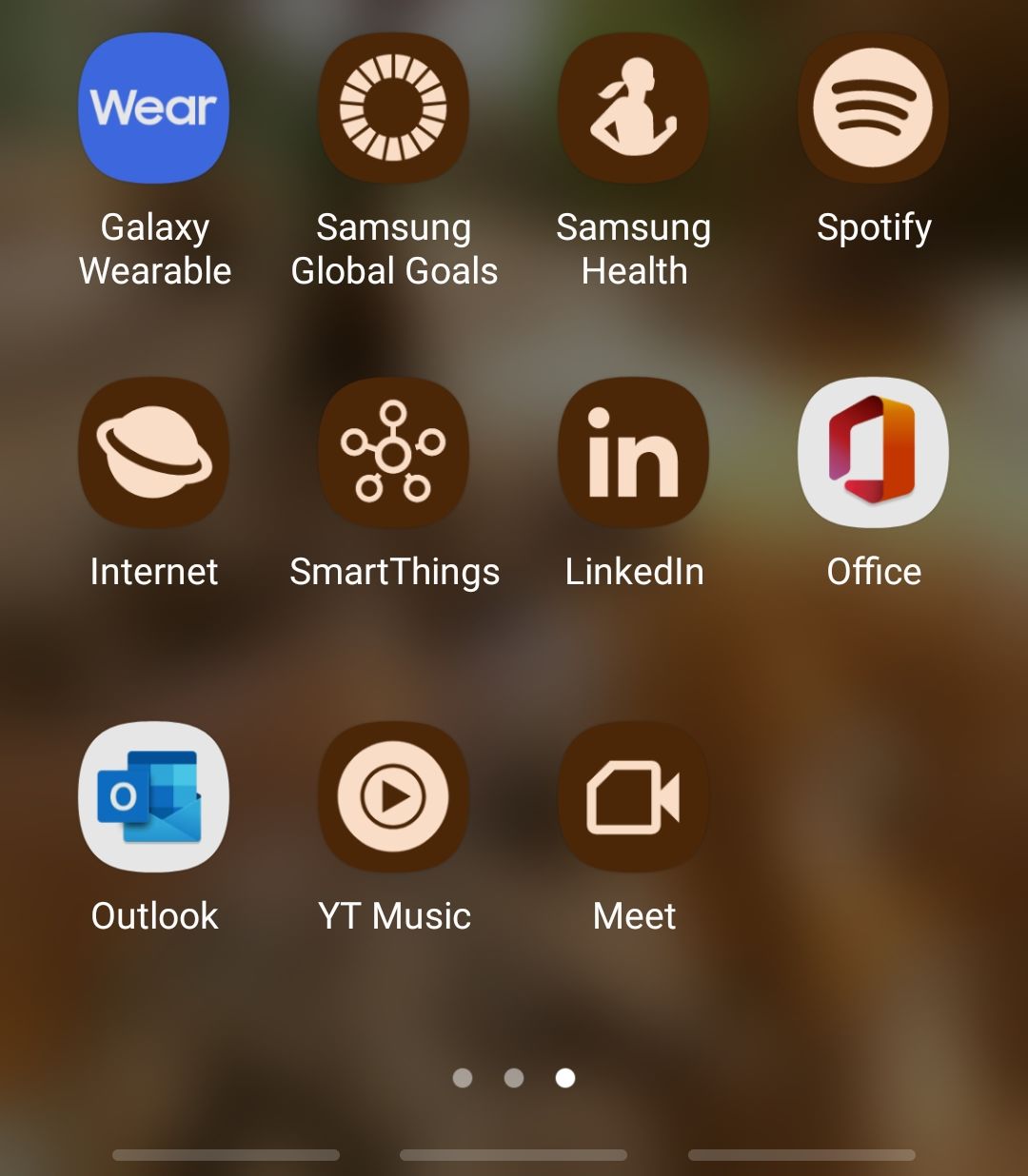
Here’s a bunch of them that appeared on my phone after an update
Installing adb
If you’re on Linux, it’s probably on your distro’s repo. Try to search for a package called adb.
If it’s not, or you’re not using Linux, you can go to the official Android dev page to get appropiate instructions.
Enabling USB debugging
To actually connect your device to your computer, you need to enable usb debugging, which you’ll find under “Developer options.”
To get access to those, got to Settings > About > Software information and look for Build number. Tap it a bunch of times and it should reveal the developer options.
Finding the problematic apps
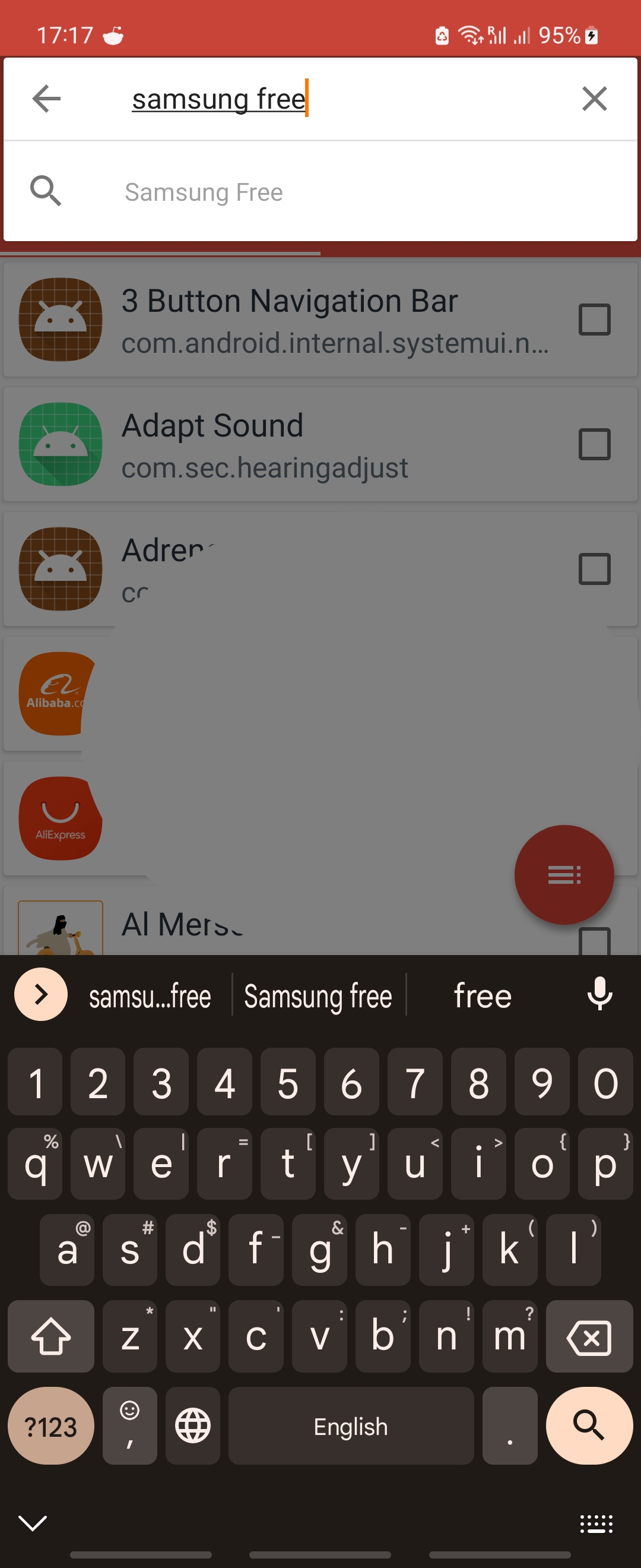
Install this app and look for what you want removed. Enable export mode (1), select the unwanted apps (2), then finally export a csv containing them (3).
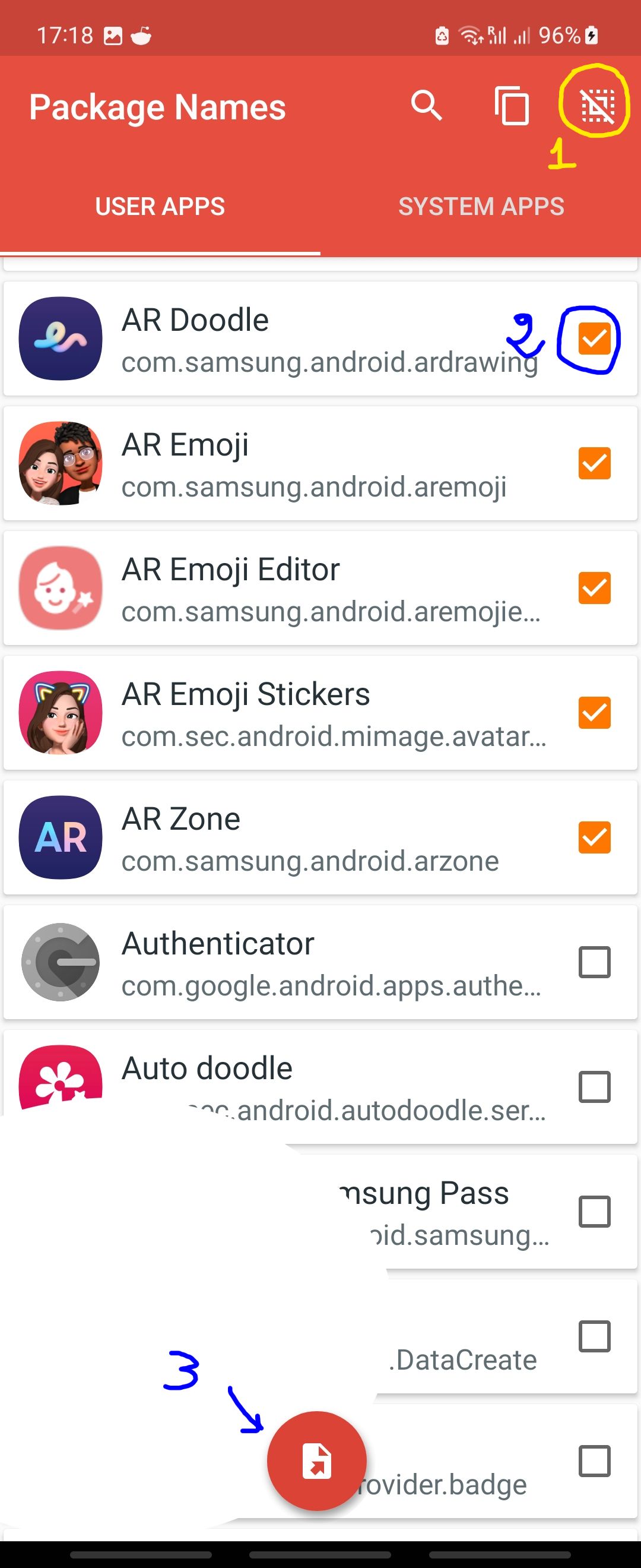
You should find this file on your phone under Android/data/com.csdroid.pkg/pkg/files, otherwise the app will tell you where. Copy the list to your computer and open it.
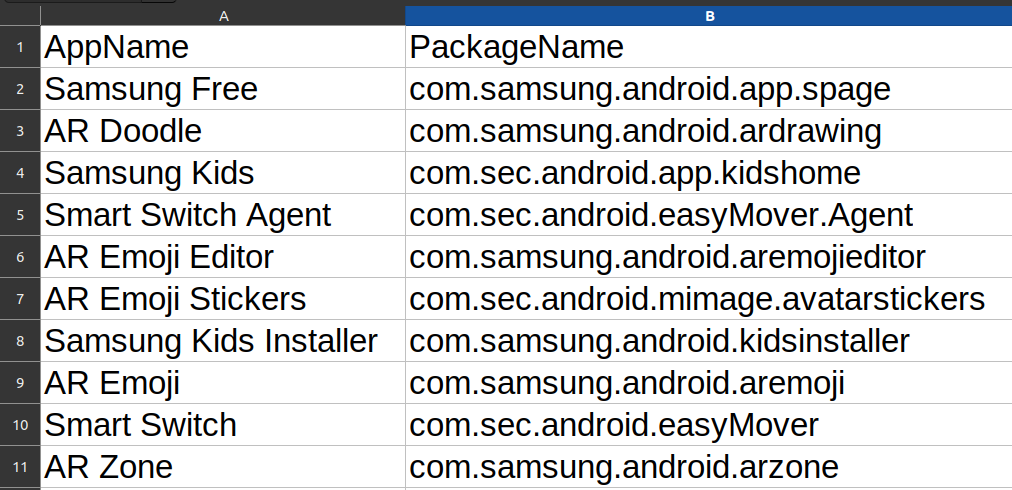
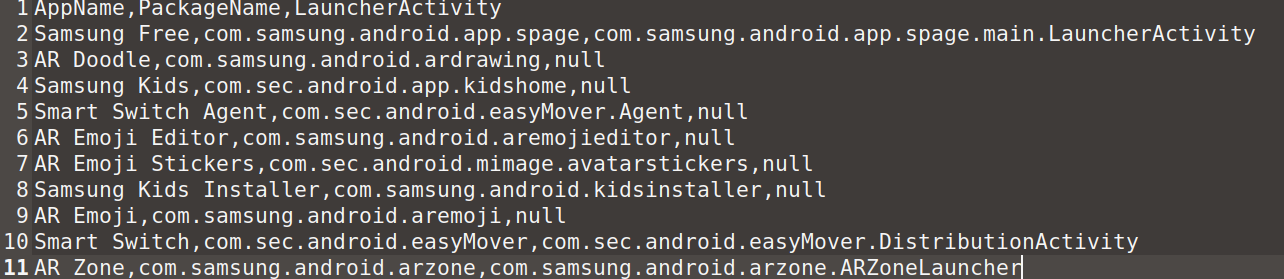
If it looks like the image above, you’ll only need what’s between the commas.
Issuing the eviction notice
Keep in mind that some apps might be important for some features on your device, so proceed with caution.
Connect your device to your computer with a usb cable, then open a terminal. Run adb devices and you should get a popup that looks like this:
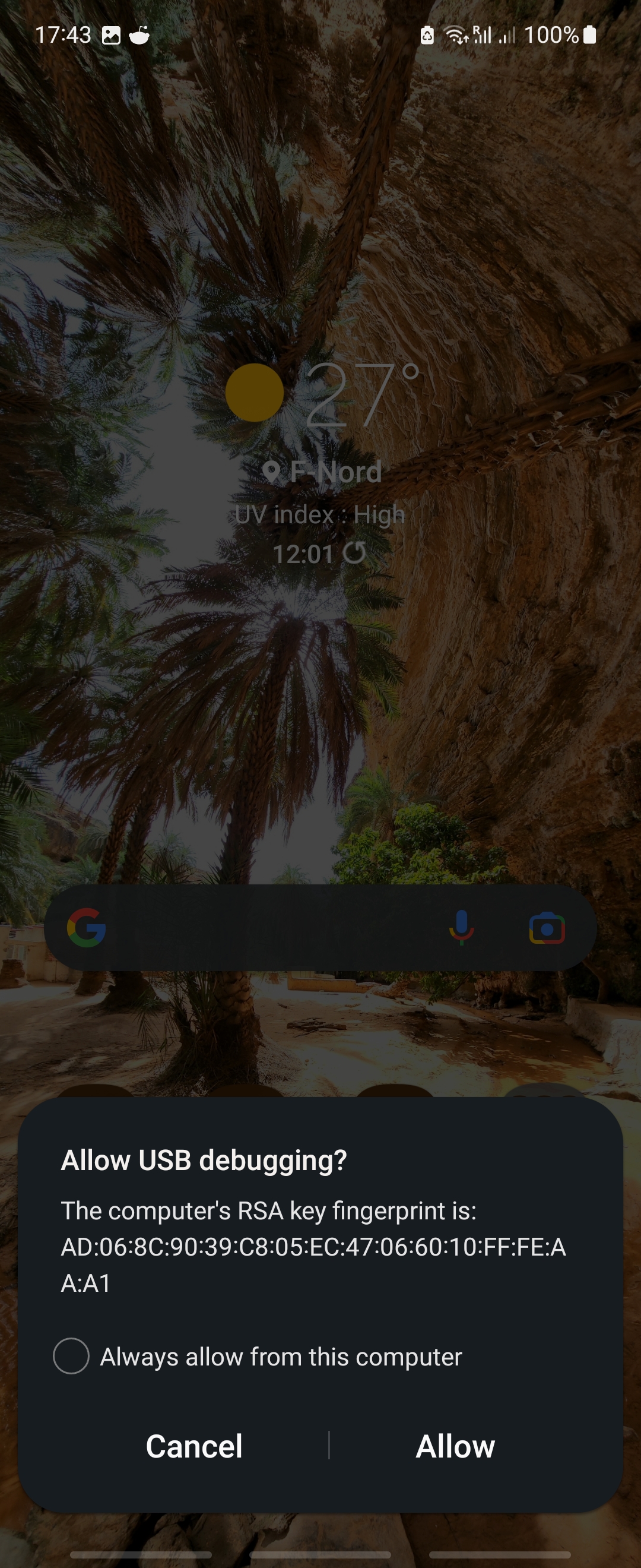
Tap Allow and you device should appear on the output of the command.
List of devices attached
R5CRC1WTV5A	device
Now run adb shell and you should get a shell on your device. For each package name you have, run the following: pm uninstall -k --user 0 <bundle>, replacing <bundle> with the name of the package.
Now the trash should be removed from your device.
Email: yoursred@yoursred.com Github: yoursred